Aide en ligne SIGLS - OMH Kativik - MAJ 2024-11-27
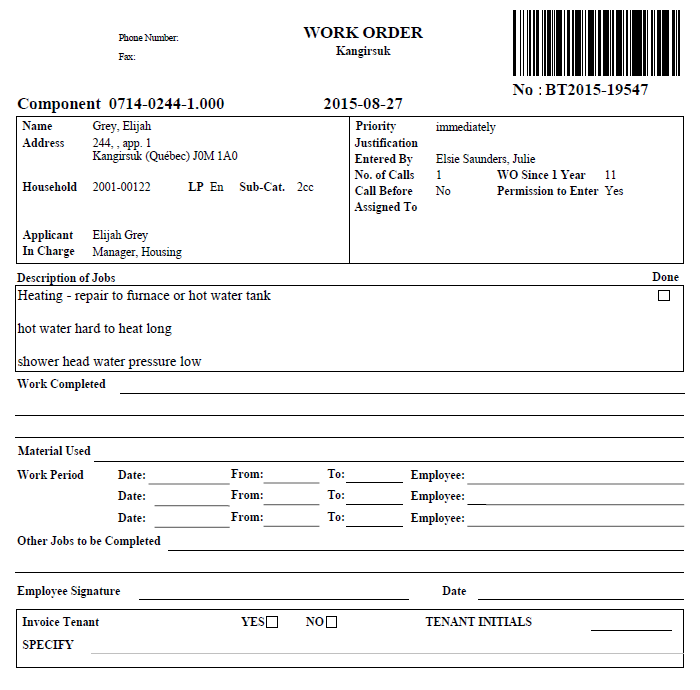
Printing Out a Work Order
<Accueil » Maintenance » Printing Out a Work Order
There are two ways to printing out a work order:
- From the work order: The "Print" button becomes available once the work order is assigned;
- From the "Printout of Work Orders" processing.
 |
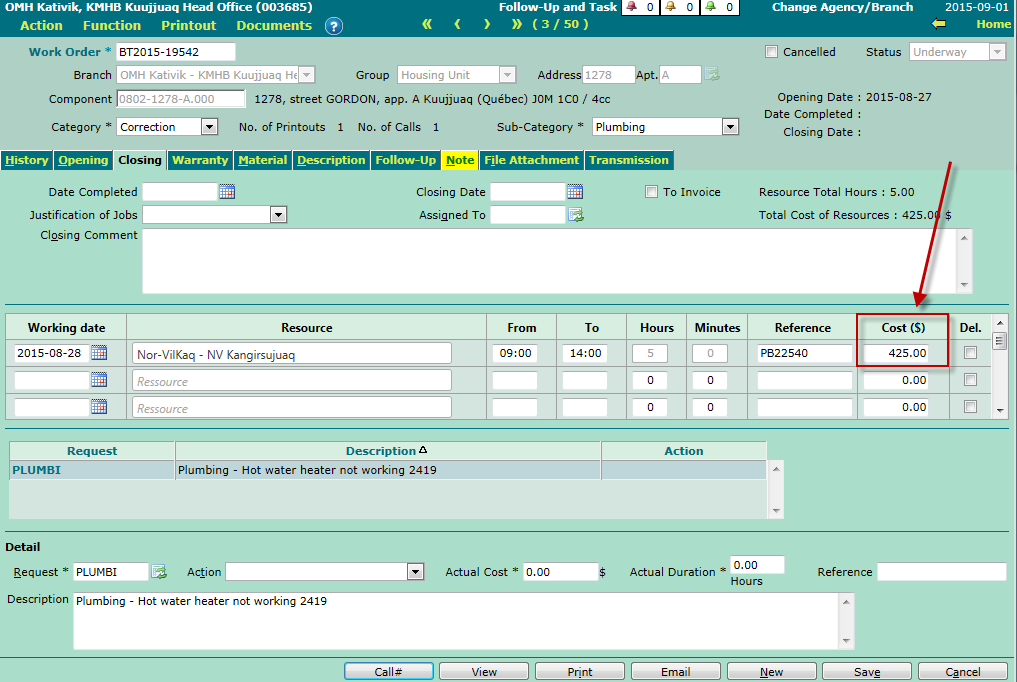
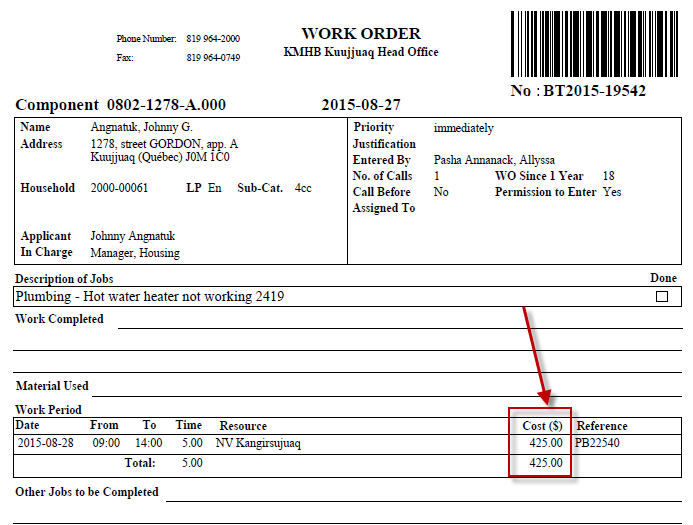
Cost Entered by Resource Now Shown on the Work Order The cost entered by resource is now shown on the work order. This change was added in version 2.12. |
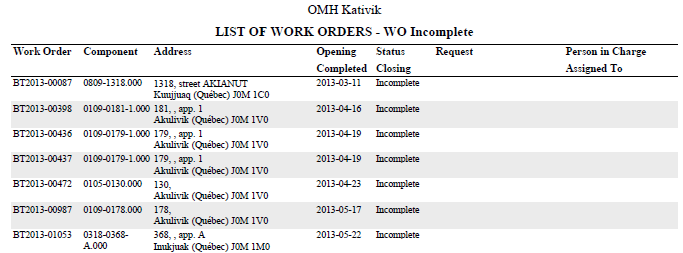
Printing Out the List of Work Orders
Here is the procedure for printing out a list of work orders:
- Go to "Maintenance -> Work Order - List -> List of Work Orders".
- Select an existing list or create a new one, depending on your needs.
- Specify selection criteria, in accordance with your needs, and click the "Print" button.
© COGIWEB, 2024