Client Accounts
<Accueil » Financial » Client Accounts
This topic describes the elements available in the Financial module's "Client Accounts" section.
Viewing Client Accounts
The "Client Account" screen provides the information related to the client (tenants and non-residents), separated under several tabs. Furthermore, this screen enables you to enter information regarding the client's upcoming payments (banking information, method of payment, payment amounts, etc.)
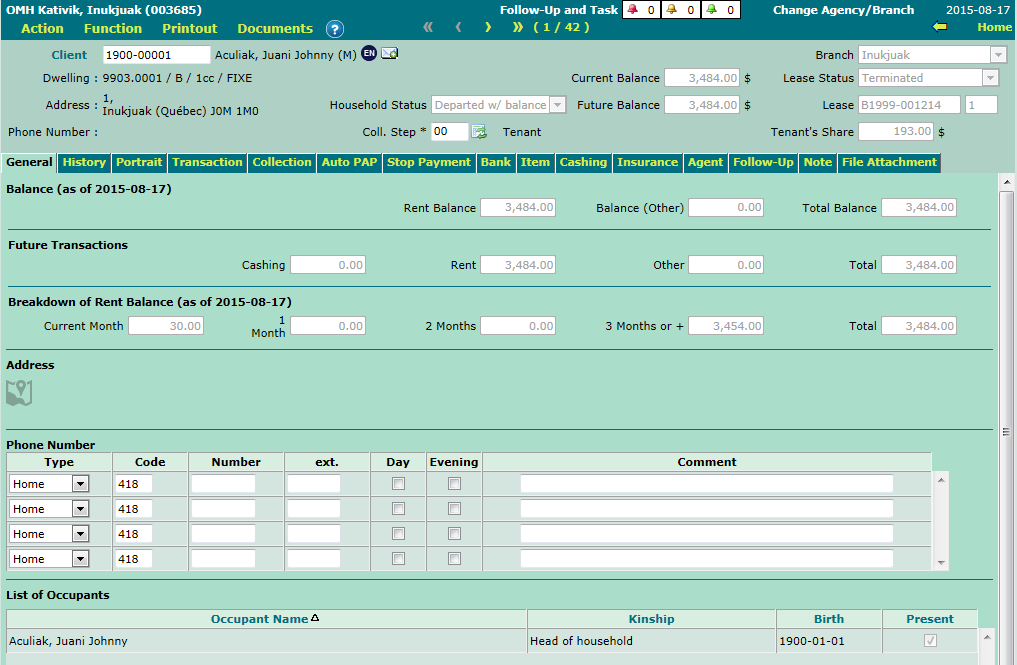
The "General" Tab
The "General" tab shows, in read-only mode, a breakdown of the client account's transactions (such as the age of accounts). The client's collection step can be modified in the header.
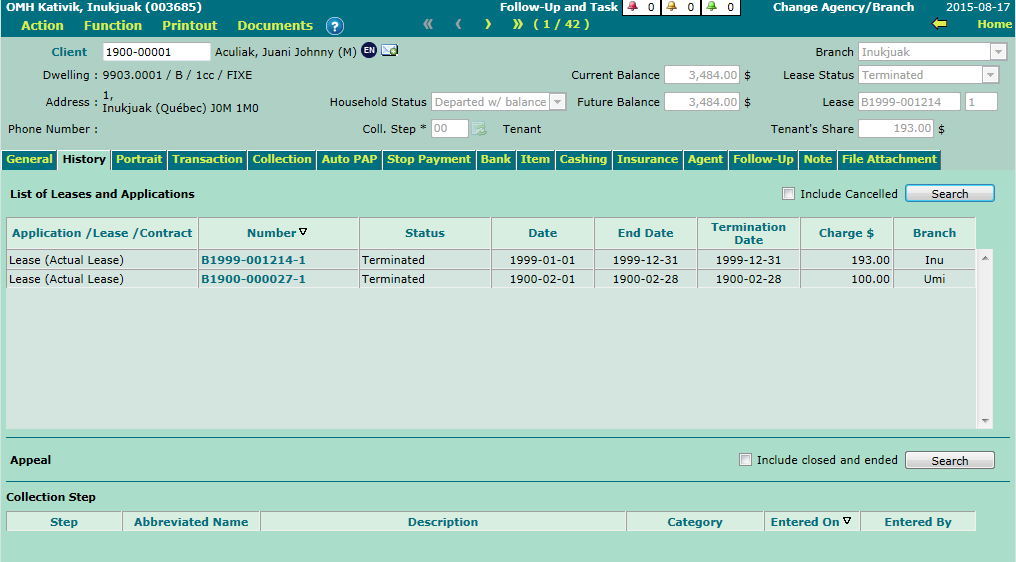
The "History" Tab
The "History" tab provides, in read-only mode, the list of leases and the collection step history, if applicable.
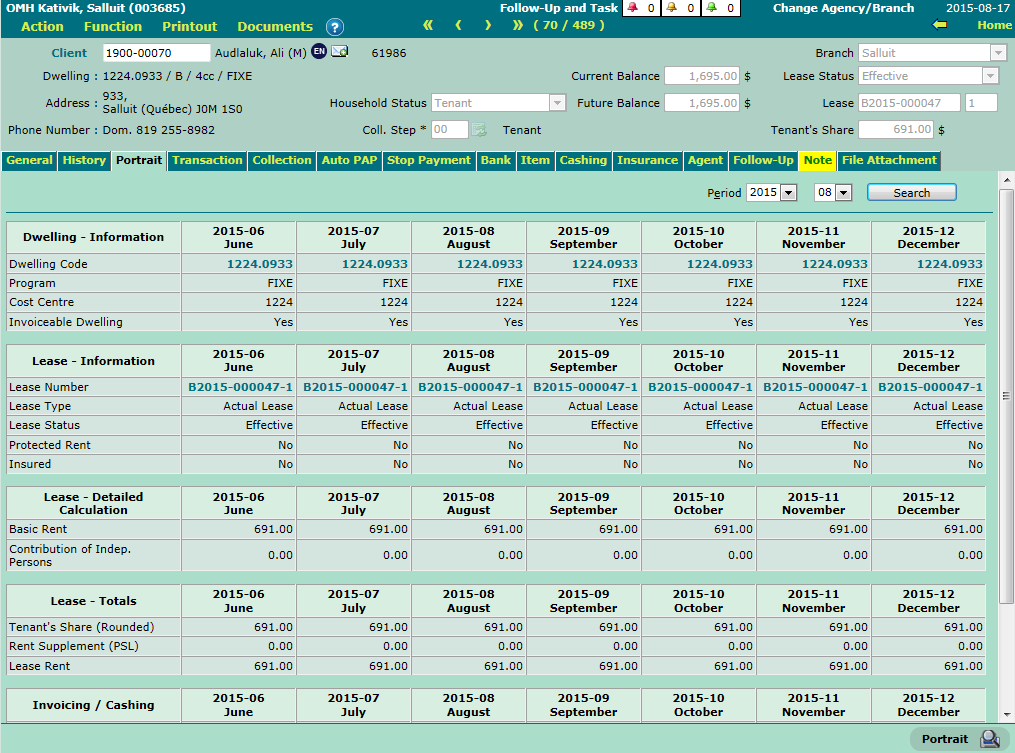
The "Portrait" Tab
The "Portrait" tab provides, in read-only mode, the information related to the client's leases and transactions (invoices and cashings), over a 7-month period.
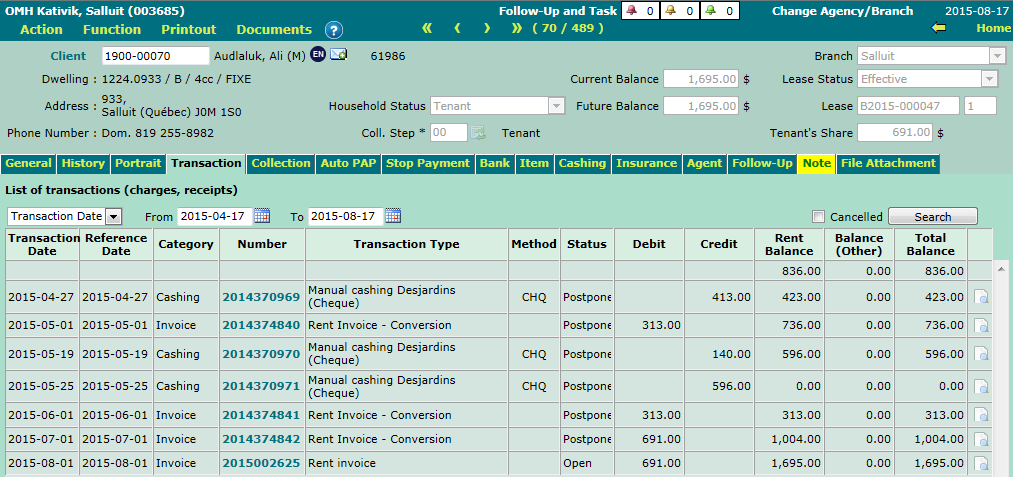
The "Transaction" Tab
The "Transaction" tab lists, in read-only mode, the client's transactions (invoices and cashings), in chronological order.
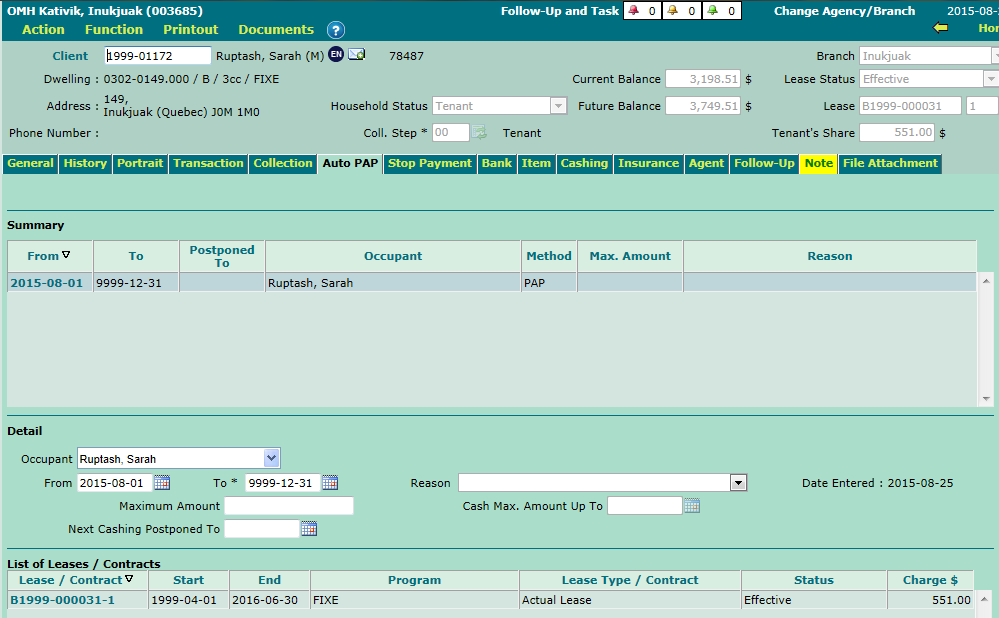
The "Auto PAP" Tab
The "Auto PAP" tab enables you to enter the client's automatic preauthorized payments. If needed, you may select an occupant different than the head of household for auto PAP.
For information purposes, auto PAP are preauthorized payments that auto-adjust following a change of rent amount (following a lease renewal or an amendment). Please note that in order to use auto PAP, you must first enter the client's banking information under the "Bank" tab.
En savoir plus sur les PPA auto.
The "Stop Payment" Tab
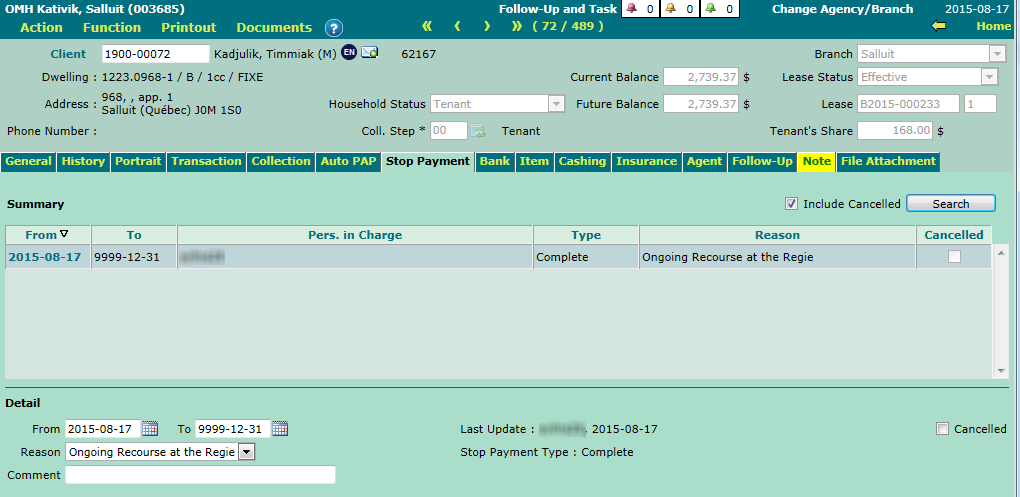
The "Stop Payment" tab enables you to enter and view the client's stop payments.
The stop payments are triggered via the client account. They can be complete or temporary.
- A complete stop payment blocks the cashing of an amount for the household, regardless of the method of cashing.
- A temporary stop payment does not block the cashing per se. It simply enables a warning message to be displayed when a manual cashing is created.
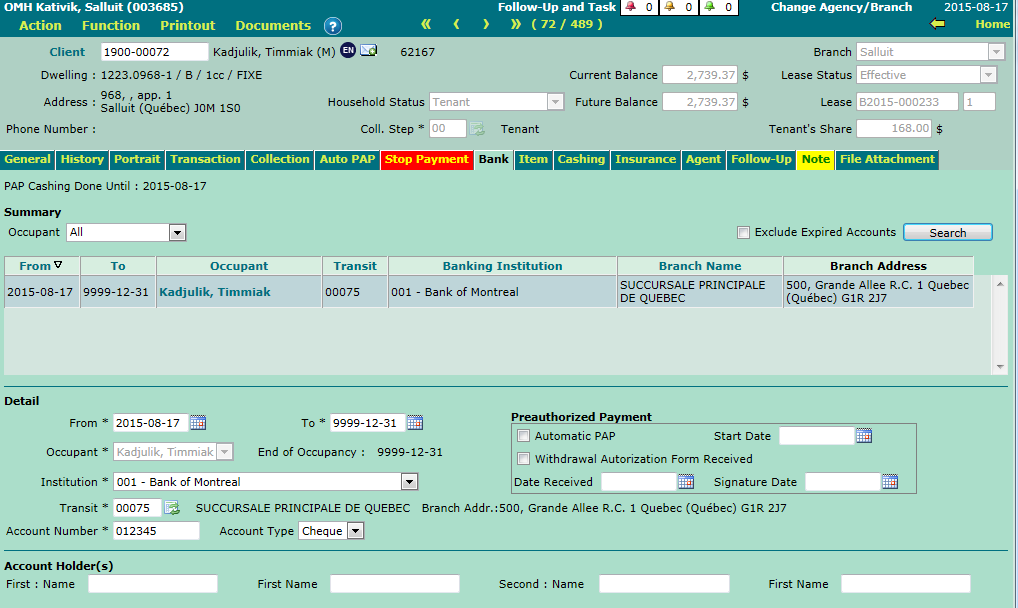
The "Bank" Tab
The "Bank" tab enables you to enter and view the client's banking information. Please note that the client's banking information must be entered prior to setting up a PAP.
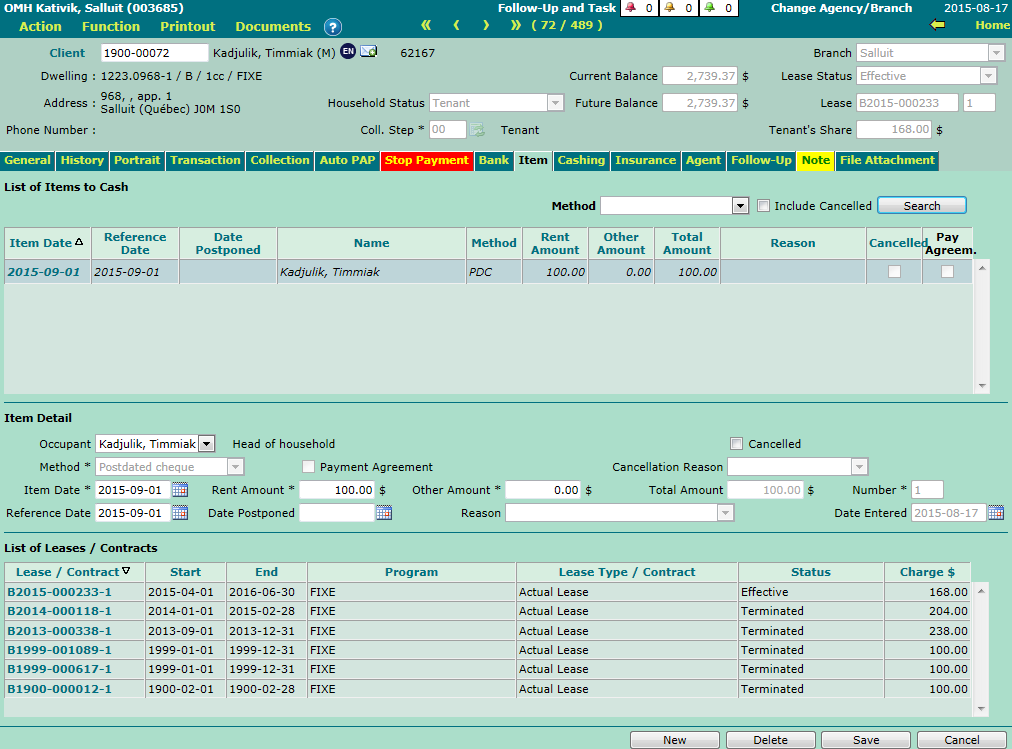
The "Item" Tab
The "Item" tab enables you to enter and view the client's automated items (postdated cheque, manual PAP or delayed withdrawal.)
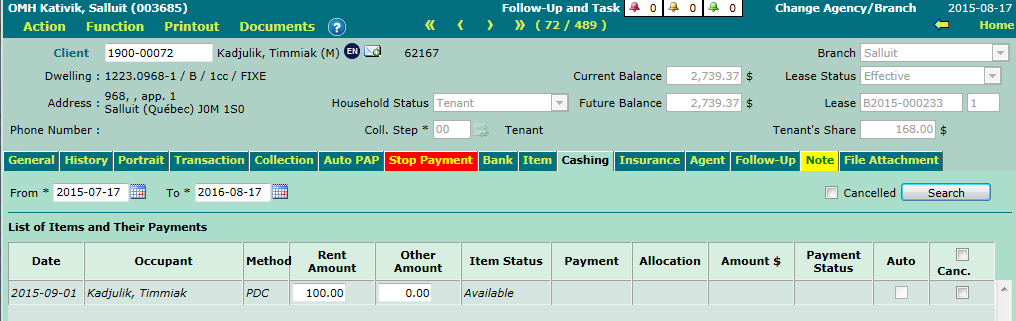
The "Cashing" Tab
The "Cashing" tab displays, in read-only and modification mode (except for auto PAP), cashings associated to the client's automated items (cashed or not).
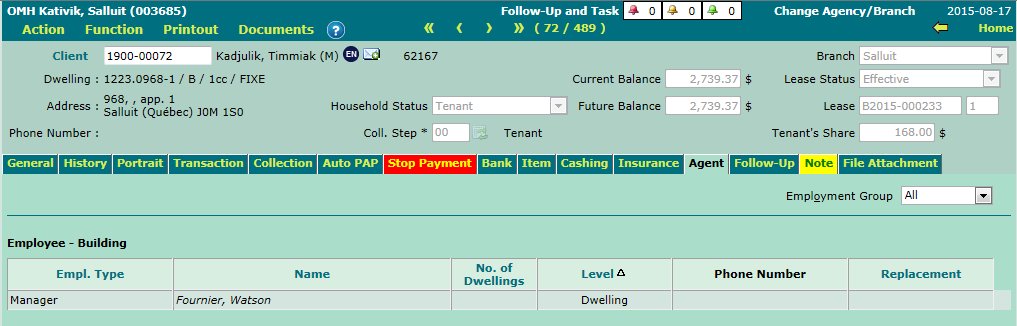
The "Agent" Tab
The "Agent" tab displays, in read-only mode, the agents associated to the client's current dwelling.
© COGIWEB, 2024